
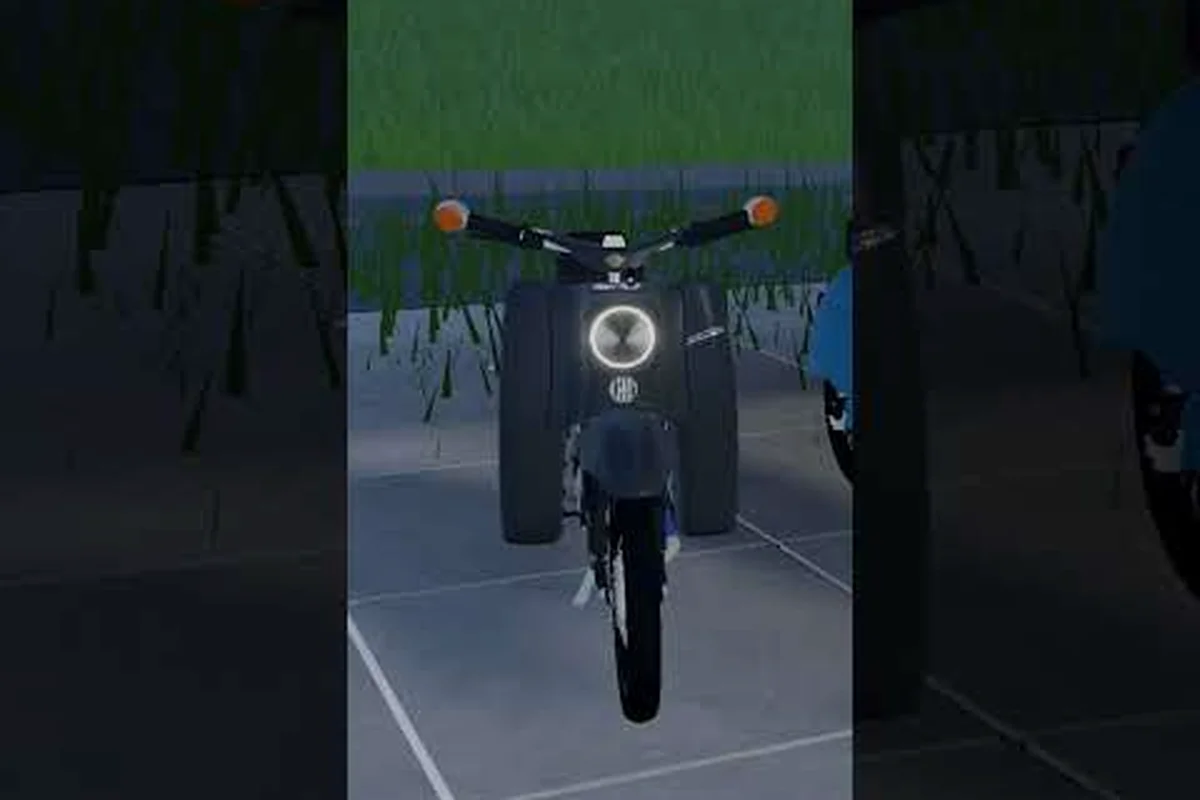
Your German Moped Days garage workshop is the first place that feels truly yours, and setting it up well makes every tuning session faster. This guide covers workbench use, lighting colors, neon accents, and garage size so your build space works as hard as you do.
What the Garage Workshop Actually Does
The garage is more than a parking lot in German Moped Days. It is your account hub, your storage, and your tuning station rolled into one. When you spawn in, the garage computer is where you log in, manage your collection, and redeem codes such as LADEBALKEN. Players who skip the computer early often wonder why their mopeds feel stuck at stock performance, because the workshop tools that unlock real gains live right next to it.
Understanding the layout saves you time. The workbench handles part comparison and swaps, the storage bays hold your mopeds, and the lighting rigs control how the whole space reads at night. According to third-party coverage from the Roblox Radar channel, which reviews the beta experience, the garage ties directly into kick-starting, fuel mixing, and cruising, so a clean setup pays off the moment you roll out.
Here is what each zone in the garage workshop is responsible for: the garage computer anchors account login and code redemption (including LADEBALKEN), the workbench drives the part-comparison and tuning loop that raises top speed, the storage bays hold your collection starting at 3 slots, the lighting rigs set colors and neon accents for night visibility, and the open floor is where you kick-start and fuel-mix to test a build before riding out.
| Zone | Primary Function | Why It Matters |
|---|---|---|
| Garage computer | Login, garage management, code redemption | Central account hub; unlocks rewards |
| Workbench | Compare parts, replace components, tune performance | Core tuning loop for faster mopeds |
| Storage bays | Hold your moped collection | Default 3 slots; expandable |
| Lighting rigs | Set colors and neon accents | Visibility and personal style |
| Open floor | Kick-start and fuel-mix practice | Tests your tuning before a ride |
The takeaway is simple: treat the garage as a workshop, not a showroom. Every zone feeds the next, and the players who move fastest between them are the ones who tune, test, and ride without hunting for menus. Concretely, that means logging in at the garage computer to redeem LADEBALKEN, then walking straight to the workbench to compare a new exhaust or carburetor against your current part before committing the swap. Once the numbers look right, drop the build onto the open floor for a kick-start and fuel-mix check, and only then park it back in a storage bay. Skipping any link in that chain — tuning without testing, or testing without logging in first — is what leaves mopeds feeling stuck at stock performance, since the workshop tools that unlock real gains live right next to the computer.
Why the Workbench Is the Heart of the Space
The workbench is where German Moped Days garage workbench upgrades actually happen. You compare parts side by side, swap components, and dial in performance before you ever touch the road. Community reports describe this as the difference between a moped that sputters and one that pulls cleanly through every gear.
A practical routine helps here. Start by opening the workbench and reviewing your current setup, then compare the part you are considering against what is installed. Only commit the swap once the numbers favor the change, because blind upgrades waste resources you could spend on fuel or storage. The workbench rewards players who read before they click.
Storage Slots and Garage Size Explained
Every player begins with 3 moped storage slots, and the Bigger Garage pass raises that ceiling to 6 slots. That number matters more than it sounds, because a full garage forces you to sell or scrap mopeds you might want later for a themed collection.
If you are planning a larger fleet, the mechanics of expanding your garage are worth reading before you buy anything, since storage and parking interact with the same slot system. Decide early whether you are a collector or a tuner, then size the space around that goal.
German Moped Days Garage Setup: A Step-by-Step Walkthrough
A clean German Moped Days garage setup follows a predictable order, and skipping steps usually means redoing work later. The sequence below reflects what players describe in the beta, where the garage computer gates most of the meaningful actions — you cannot redeem codes, claim storage, or adjust workbench parts until your session is registered. That gating is why the order matters more than the individual steps: each action unlocks the next, and a missed login leaves the workbench and lighting options locked even if you already own the parts.
-
Log in at the garage computer. This registers your session and opens garage management, including code redemption for rewards like LADEBALKEN.
-
Claim your storage slots. Confirm your default 3 bays are filled with the mopeds you actually ride, not placeholders.
-
Open the workbench. Review installed parts before buying anything new, so you know exactly what to upgrade.
-
Set your lighting colors. Pick a palette that matches your moped paint so the garage reads as one design.
-
Test on the open floor. Kick-start, mix fuel, and cruise a short loop to confirm your tuning holds up.
-
Return and refine. Adjust parts or lighting based on how the ride felt, then repeat.
That loop is the entire German Moped Days garage tutorial in miniature. New players who follow it in order rarely get stuck, because each step unlocks the next. If you want the broader control scheme and basics first, the full tutorial walkthrough covers movement and riding before you dive into tuning.
Common Setup Mistakes to Avoid
The most frequent error is buying parts before reading the workbench comparison, which leads to downgrades disguised as upgrades — a common case is swapping a stock carburetor for a "performance" one that actually reduces top speed on the dyno sheet. A close second is ignoring the garage computer entirely, which locks out code rewards and the management tools tied to your build slots. Skipping the tutorial's lighting-color and neon garage steps compounds this, since those settings gate certain visual rewards and can leave your workshop looking unfinished even after you've spent real currency on parts.
Another trap is over-filling storage with mopeds you never ride. Since slots are limited by default, every parked moped you do not use is a slot you cannot spend on a build you actually want. Keep the fleet lean until you expand.
Lighting Colors and the Neon Garage Look
German Moped Days garage lighting colors are fully customizable, which is why so many players treat the garage as a second canvas. You can match your lighting to a moped's paint for a cohesive look, or go bold with a neon garage theme that turns the space into a night-time showcase.
Community coverage notes that lighting is customizable specifically so players can show off their collection after dark, and that is the real value: a well-lit garage makes every moped readable at a glance. If you own several builds, color-coding by lighting is faster than reading labels.
| Lighting Style | Best For | Suggested Palette |
|---|---|---|
| Classic warm | Vintage builds, Simson-style mopeds | Amber, soft white |
| Neon accent | Showcasing a large collection | Magenta, cyan, electric blue |
| Monochrome | Clean, modern tuning bays | White, cool gray |
| Themed match | One moped as the centerpiece | Match the moped's paint exactly |
| High contrast | Quick part identification | Warm key light, cool fill |
The trick is consistency: pick one dominant color and one accent, then repeat it across the workbench area and storage bays so the eye flows naturally from one zone to the next. In practice, that means choosing a lighting style from the table above and applying it uniformly rather than mixing palettes room by room. A neon garage with magenta key light over the German Moped Days garage workbench and cyan fill along the storage bays reads as intentional; the same colors scattered randomly just look cluttered and make individual mopeds harder to identify at a glance.
Matching Light to a Themed Set
If your garage holds a themed set, such as classic German mopeds, lighting becomes a storytelling tool. A warm amber wash suits vintage frames, while cool neon flatters modern or custom builds. Players building a Simson S51 collection often lean into warm tones to echo the era.
Resist the urge to treat your garage as a full RGB showcase. Two or three colors read better than six, and one strong accent — say, a single amber strip behind the workbench — usually beats a rainbow that flattens every frame into the same muddy tone. Test your palette at night, since that is when lighting differences are most visible and when a weak accent color disappears entirely against the back wall.
Tuning Performance at the Workbench
The workbench is not just cosmetic. It is where German Moped Days garage workbench tuning translates into real speed, and the players who understand part interaction pull ahead quickly. Comparing components before swapping is the single habit that separates fast builds from frustrated ones.
| Upgrade Priority | Component | Expected Effect |
|---|---|---|
| 1 | Engine / performance parts | Higher top speed and acceleration |
| 2 | Fuel and carburetor setup | Smoother power delivery |
| 3 | Frame and handling | Better control on turns |
| 4 | Cosmetic paint | Style, no performance change |
Work top-down through the four-tier priority table: engine and performance parts first for raw top speed and acceleration, then fuel and carburetor setup for smoother power delivery, followed by frame and handling for cornering control, and cosmetic paint dead last since it changes nothing in the stat readout. A beautiful moped that cannot keep pace is a display piece, not a ride. After each swap, return to the german moped days garage workbench and recheck the numbers — if top speed stalls while acceleration climbs, your carburetor is likely starving the new engine, so fix the fuel setup before touching paint.
Reading the Comparison Screen
The comparison view is your best friend at the workbench. It shows the installed part against the candidate, so you can see gains and losses before committing. Never trust a part's name alone, since some upgrades trade top speed for acceleration or vice versa.
A sidegrade is anything that swaps one stat for another without raising your overall ceiling — for example, trading 6 km/h of top speed for a small torque bump that only pays off on uphill routes. Before you spend resources, check whether the candidate part actually beats your current build across the stats that matter for your riding style, not just the one highlighted number. If the comparison screen shows a net loss in the categories you use most, skip it and bank the resources for a genuine tier upgrade instead. Patience at the workbench compounds, and the players who compare carefully end up with builds that feel noticeably faster than stock.
Sizing Your Garage for Growth
German Moped Days garage size is a planning question, not just a purchase. With 3 default slots and 6 available through the Bigger Garage pass, your ceiling is fixed unless you invest. That makes every slot a decision. The real constraint isn't the bay count itself but how each slot interacts with your garage workbench layout: a single moped parked for a full teardown occupies working space that a display-only build never touches, so two "active" slots can bottleneck faster than four stored ones. Before buying the pass, map which mopeds you actually ride versus which exist purely for the neon garage showcase — that ratio, not the raw slot number, tells you whether 3 bays are genuinely enough.
If you enjoy collecting, the extra parking slots guide explains how additional bays change what you can store and display. If you prefer tuning a small fleet, three focused builds often outperform six neglected ones.
Think about your play style before spending. Collectors want maximum slots; tuners want a clean workbench and a couple of strong builds. Neither approach is wrong, but mixing them without a plan leads to a cluttered garage where nothing gets used.
When to Expand and When to Stay Small
Expand when you consistently run out of room for mopeds you actively ride. Stay small when your extra slots hold projects you never finish. A tight, purposeful garage is easier to light, easier to navigate, and easier to keep tuned.
Frequently Asked Questions
How many moped storage slots do I start with?
Every player begins with 3 moped storage slots in the garage. The Bigger Garage pass raises that limit to 6 slots, giving collectors room for a larger fleet. If you plan to own several mopeds, decide early whether the extra slots are worth the investment.
What does the garage workbench actually do?
The workbench lets you compare parts, replace components, and set up performance upgrades before you ride. It is the core tuning station in the garage workshop. Reading the comparison screen before swapping parts prevents accidental downgrades and saves resources you can spend elsewhere.
Can I change my garage lighting colors?
Yes. German Moped Days garage lighting colors are fully customizable, so you can match your moped's paint or build a bold neon garage theme. Community coverage notes lighting is designed for showing off collections at night, and two or three colors usually read better than a full rainbow.
Where do I redeem codes like LADEBALKEN?
Redeem codes at the garage computer, which also handles login and garage management. It is the account hub for the whole space. If you want a full list of working codes and how to enter them, the hidden codes guide walks through the process step by step.
Is a bigger garage worth it for casual players?
Only if you actively ride more than three mopeds. Casual players who tune one or two builds rarely need extra slots, while collectors benefit immediately. Match the garage size to how you actually play, not to how many mopeds you could theoretically own.
Final Setup Notes
A strong German Moped Days garage workshop comes down to three habits: log in and manage at the computer, compare before you swap at the workbench, and light the space so it reads clearly at night. Size your storage around the mopeds you truly ride, and the garage stops being a parking lot and becomes the tuning hub it was meant to be. Get the setup right once, and every ride afterward starts from a better baseline.